 virtualflowers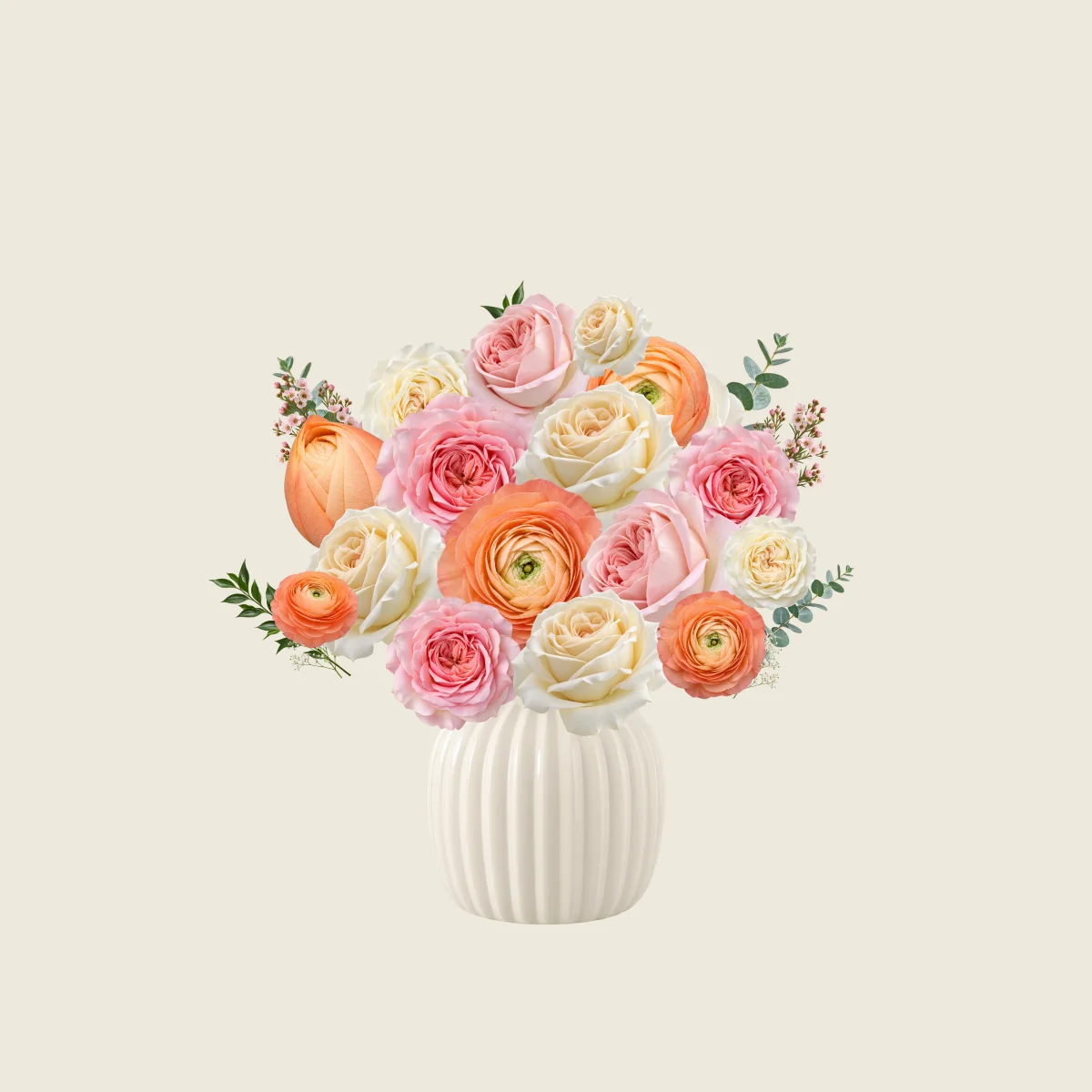
Peach garden
Peach ranunculus, pink roses and ivory blooms make a warm starting point for thanks or a birthday. Keep the rounded arrangement, then replace a focal flower with the recipient’s favourite colour.
Use this bouquetSend virtual flowers for free on birthdays, to say thanks, or simply to let someone know you’re thinking of them. Choose a template or arrange your own flowers and add a personal message. Download the flowers and note as an image, or sign in to share a private gift link by text, WhatsApp or email.
Choose flowers or start with a template. Add a greeting, message and signature.
Download the flowers with your note, or sign in to create a private gift link.
Share the image or paste the link into a text, WhatsApp, email or another messaging app.
They can enjoy the image directly, or open the private link to reveal the gift and read your note.
Choose a starting point, then make every flower and every word your own.
Peach ranunculus, pink roses and ivory blooms make a warm starting point for thanks or a birthday. Keep the rounded arrangement, then replace a focal flower with the recipient’s favourite colour.
Use this bouquet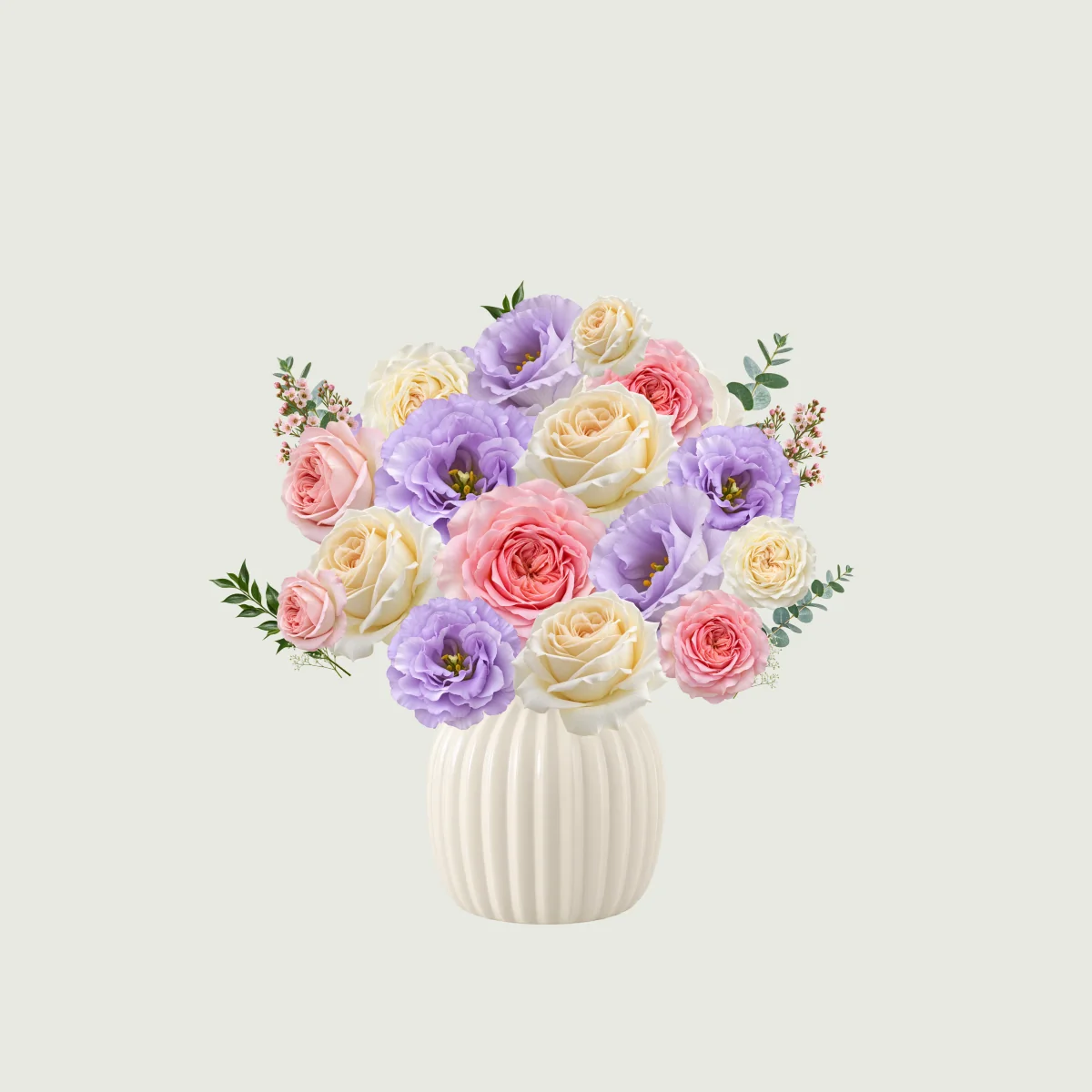
Lavender lisianthus and soft roses offer a quieter palette for someone you miss. Keep some space around the blooms, and add a note about a memory you share.
Use this bouquetVirtual flowers are flowers you can create and send online for free. Choose your blooms, arrange them in your own style, and add a personal message—all free to use. When you’re ready, copy your link and send it by text, WhatsApp, or email. The recipient can open it to view your flowers and read your message, wherever they are.
Pick the flowers you like and arrange them your way. Start with a template or create your own design.
Choose a main flower, then add smaller blooms and greenery around it. Move, resize and rotate each piece; try a different vase or background before deciding on the finished arrangement.
Write a personal note, add the recipient’s name, and sign it with yours.
A greeting, one specific thought and a signature are enough. For example: “Sam, thank you for listening yesterday. I hope these flowers brighten your afternoon. — Alex.” Check the card preview for names and line breaks.
Create a private link, copy it, and send it by text, WhatsApp, or email. Your recipient opens the link to see your flowers and message.
Download an image to keep the flowers and note together. For a gift-opening experience, sign in, create a private link and paste it into your own chat or email. The recipient needs no account; links last 14 days.
Celebrate a special day or let someone know you’re thinking of them. Send virtual flowers for free, with a message that makes the moment personal.
Send a little colour on their birthday, with flowers you chose and a wish written just for them.
Try coral ranunculus with pink and ivory roses for a cheerful palette. Replace a flower or colour to match their taste.
Try this message:Happy birthday, Mia! Here’s to more little adventures together this year.Create flowers for free
Show your appreciation with virtual flowers and a note about what their kindness meant to you.
Start with peach blooms and soft roses. Name the kindness you appreciated, rather than relying on a general thank-you.
Try this message:Thank you for helping me through a difficult week. Your patience meant a lot.Create flowers for free
Let someone far away know they’re on your mind, even when there’s no special occasion.
Choose lavender and soft pink for a gentle check-in. Mention a shared memory and leave them free to reply when they want.
Try this message:These flowers reminded me of our walks. Thinking of you today—no need to reply.Create flowers for free
Surprise a friend, partner, or family member with flowers simply to brighten their day.
Use their favourite colour as a starting point. A small, personal arrangement can make an ordinary day feel special.
Try this message:No special occasion. I saw these colours and thought of you.Create flowers for free
Start with a colour or bloom your recipient loves. Give one or two flowers the leading role, then use smaller blooms and foliage around them. Leave a little space between shapes. You can adjust a template instead of sending it exactly as it appears.
“Thank you for listening yesterday” says more than a general good wish. Add a familiar name, a small memory and your signature. If you need a starting point, choose a card message and rewrite it in words you would actually use.
Preview the finished arrangement and check names, line breaks and your signature. Download an image to keep or share the flowers with their message, or create a private link for someone to open. Choose the format that suits how you want to deliver your thought.
Yes. You can choose your flowers, arrange them, add a personal message, and create a private link for free. Copy the link and send it by text, WhatsApp, or email. Your recipient can open and view your flowers for free, too.
You can arrange your flowers and write a message without signing in. To create a private link and send your virtual flowers, you’ll need to sign in. Your recipient can open the link and view your flowers without an account.
Yes. Once your virtual flowers are ready, copy the private link and paste it into a text message, WhatsApp chat, or email. Send the message yourself, and your recipient can open the link in their browser—no app installation needed.
Yes. Add the recipient’s name, write a personal message, and sign it with your name. Your message will appear with your virtual flowers when the recipient opens the gift. You can also download an image of your flowers with your message included, so you can save a copy or share it as a picture.
Your private link stays available for 14 days after you create it. During that time, your recipient can reopen it to enjoy your flowers and message. To keep a lasting copy, download an image of your flowers with your message before the link expires.
Your virtual flowers and message are not displayed in a public gallery. Anyone with your private link can open them, so share it only with the people you want to see them. You can stop sharing the link early from your account.
Choose your flowers, add a message, and send a little kindness for free. Share your virtual flowers with a private link, or download your flowers and message together as a picture to keep or send.
Create flowers for free ↗